I often get asked this question:
Is it possible to print the dollhouse miniature printables smaller or larger to create other scales?
The simple answer is yes, it is possible.
One method is by changing the printer settings.
[Why we want to change the sizes]
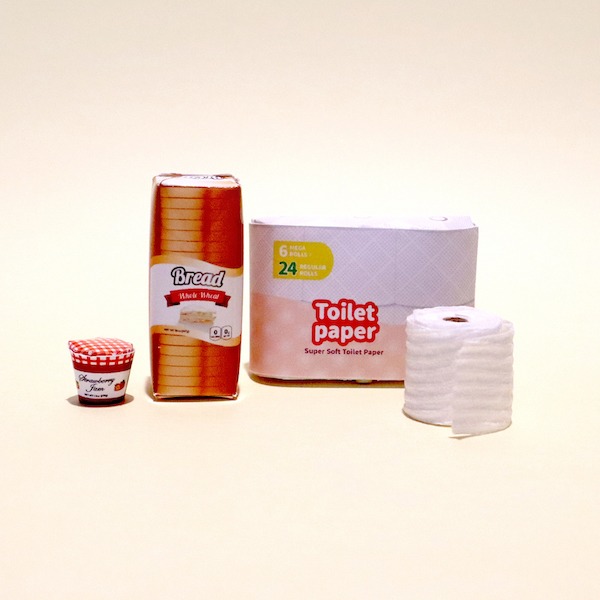
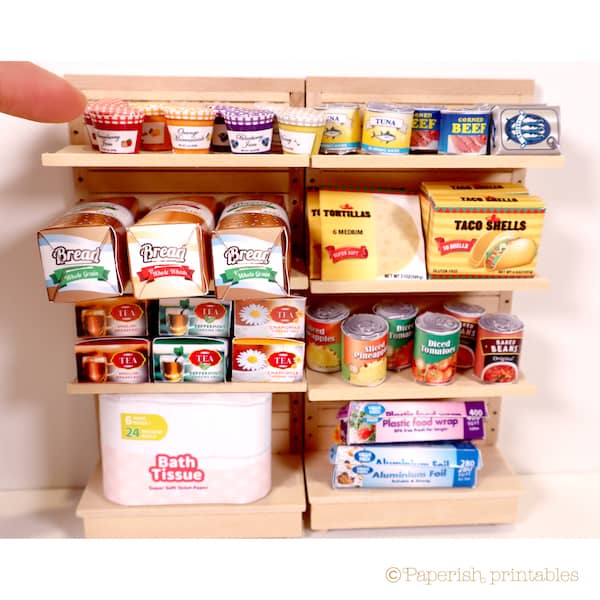
I create the printables mostly in 1/12th scale (One inch scale) and 1/6th scale.
There are many who are fans of other scales such as 1/16th, 1/24th and 1/48th.
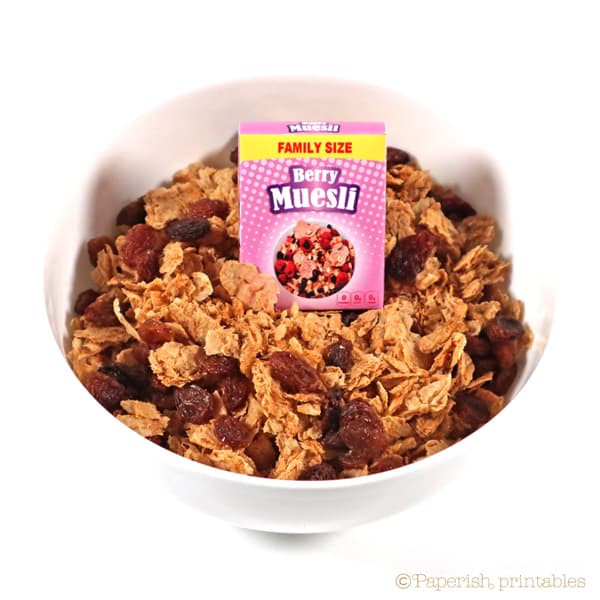
I personally find the 1/48th scale too small to make with paper if the miniature pieces are small items like food – I struggle even with the 1/12th!
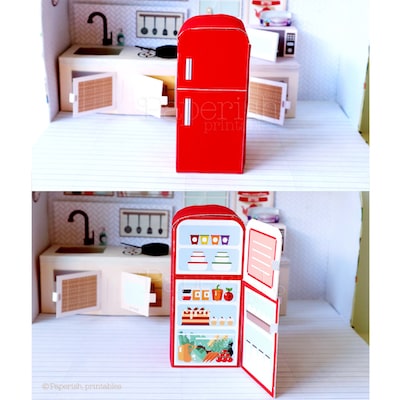
However bigger items like furnitures and appliances are quite possible to do.
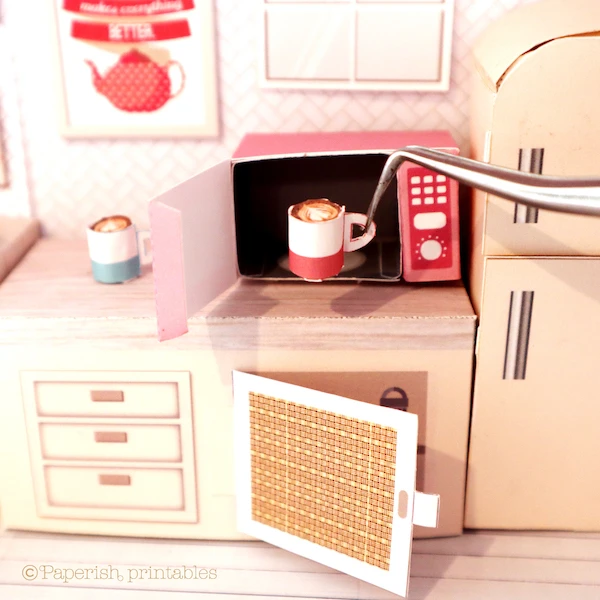
Some pieces would definitely look cute in little sizes like 1/24th and 1/48th if your hands can manage it.
If you have limited space at home for miniatures like I do, the smaller scales might also work really well for you to enjoy without feeling overwhelmed by the miniature pieces.
This week I will explain the easiest way to re-size the contents of the printables using Adobe Acrobat Reader.
Click here if you’d like to download Acrobat – it’s free (you will be directed to Adobe download site).
[How to change the printer settings]
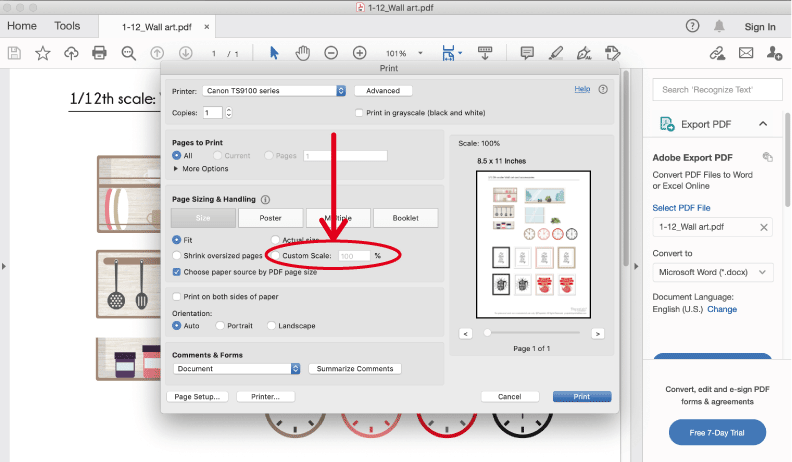
- Open the printable PDF file on Acrobat
- In the menu, go to “File” then “Print”
- Under “Page size and handling”, there is an option to “Custom scale”
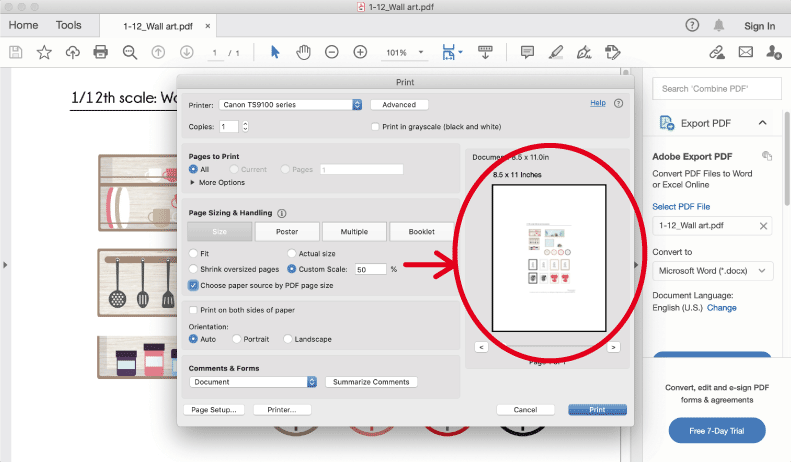
- Tick the box of “Custom Scale” and type in the % to the size you want.
For example, if the file is in 1/12th scale and you want to reduce the contents to 1/24th scale, you need to type in 50 (%) - Click “Print”
[pros and cons of re-sizing the contents]
The good:
– You can reduce the content sizes to any scales you would like
– It is straight forward, easy and quick to do
The not so good:
– It isn’t possible to choose which part of the printable you want to print if you enlarge it. You might be able to only print the middle part of the paper
– If enlarged, the print will not be as high in resolution and will become grainy
I hope this helps with your miniature projects!
In the coming weeks I will share other methods of changing the scale of the printables.
💬 Got Questions?
Printing, paper, or glue troubles? → Check our FAQ guide
Need to resize your print? → Learn how to scale your printing
Visual learner? → Watch our step-by-step YouTube tutorials
This product is for personal use only. © 2021 Paperish Printables
By visiting paperishprintables.com, you are consenting to our Terms and Conditions
The projects and printables on this site are intended for adults.